Help › I run a box › Notices and challenges
Challenges and rankings
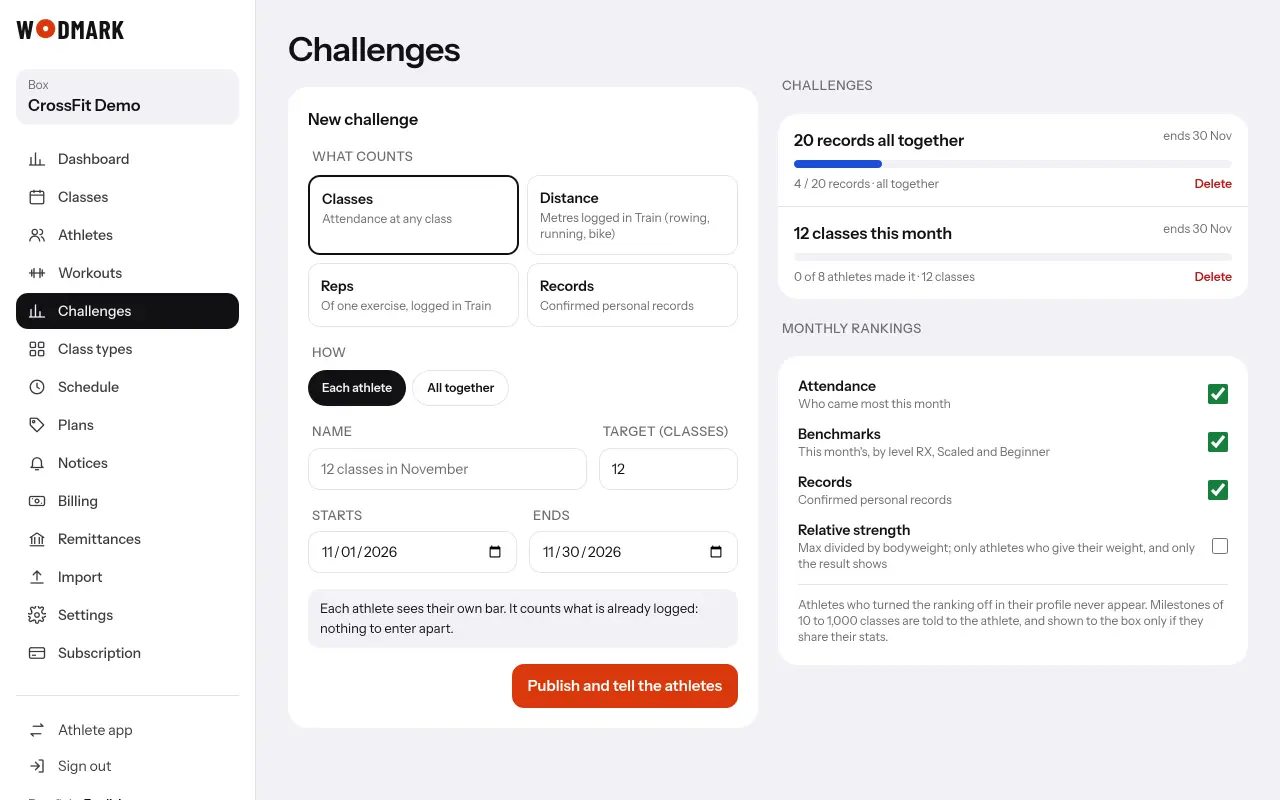
- 1Open «Challenges»Any coach can create them.
- 2Choose what counts and howClasses, distance or reps logged in Train, or records; each athlete on their own or all together.
- 3Publish itAthletes get a notice, and they see their progress in «My achievements» › «This month».
In the same screen you choose which monthly rankings athletes see.