Help › I run a box › Athletes
Blocking or allowing bookings
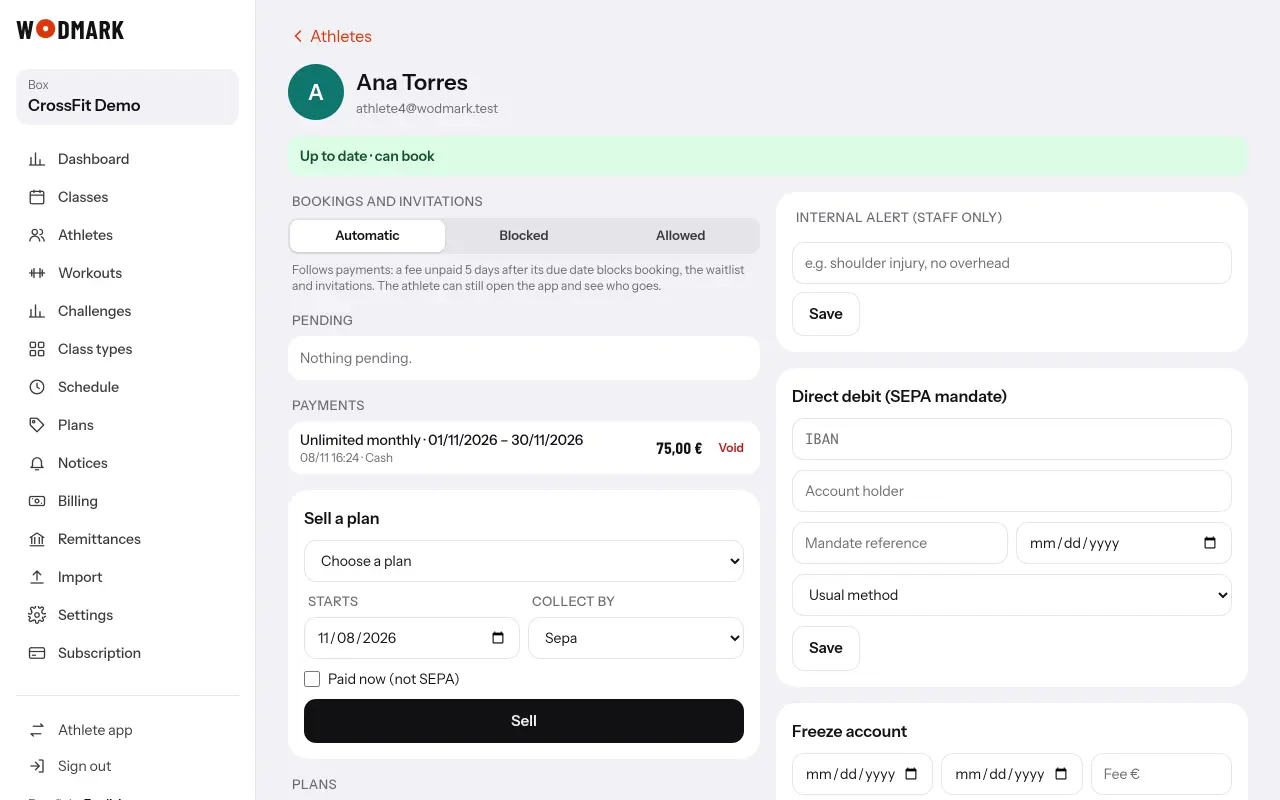
- 1Open the athlete's recordSection «Bookings and invitations».
- 2Choose the mode«Automatic» follows payments; «Blocked» stops bookings even when paid up; «Allowed» lets them book while owing.
Either way, the athlete can open the app and see who is going.