Help › I run a box › Athletes
Importing from another platform
- 1Export the athlete list as CSVIf you collect by direct debit, with IBAN, mandate reference and date.
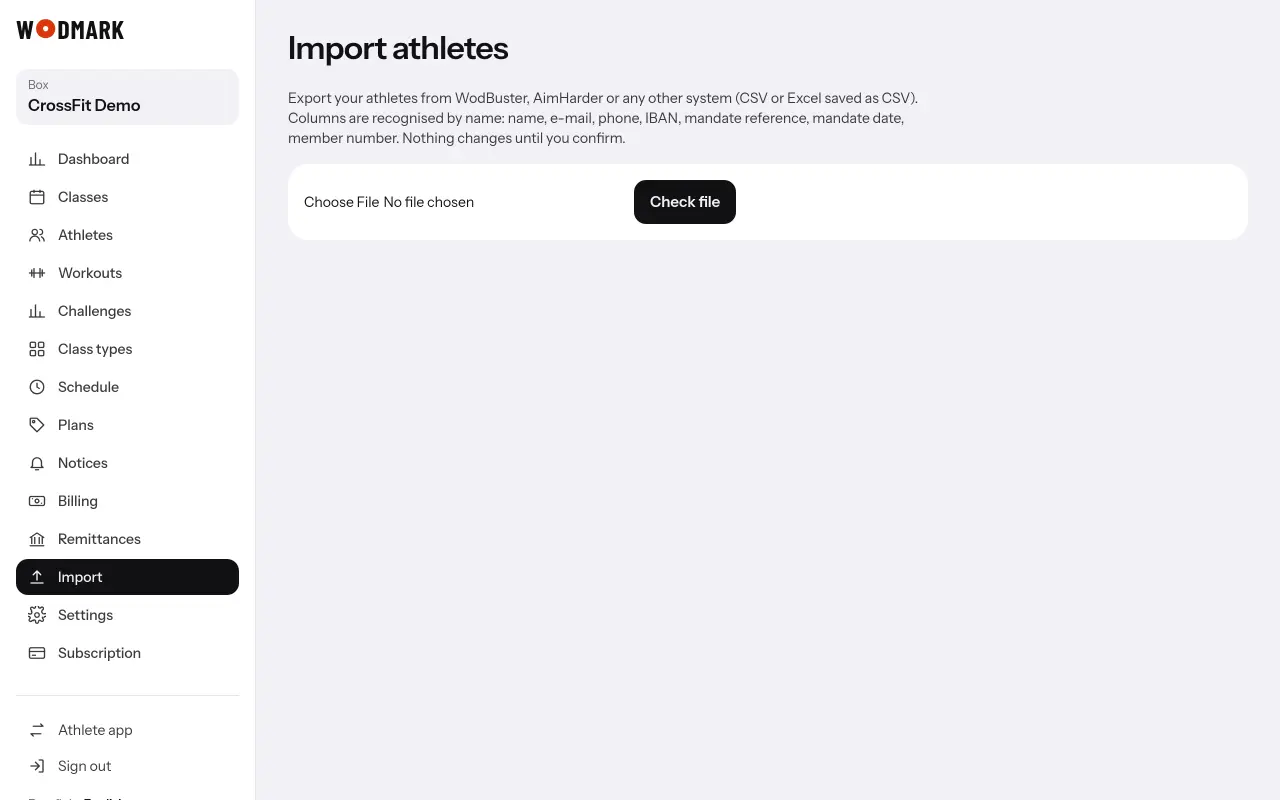
- 2Open «Import» and upload the fileTap «Check file»: you see what comes in and the problems found.
- 3Tap «Import» with the number of athletesNothing is created until then. If you import the same file again, it updates; it does not duplicate.
- 4Send the invitationsWith «Send invitations», each athlete gets an e-mail in the box's name to choose a password.