Help › I run a box › First steps
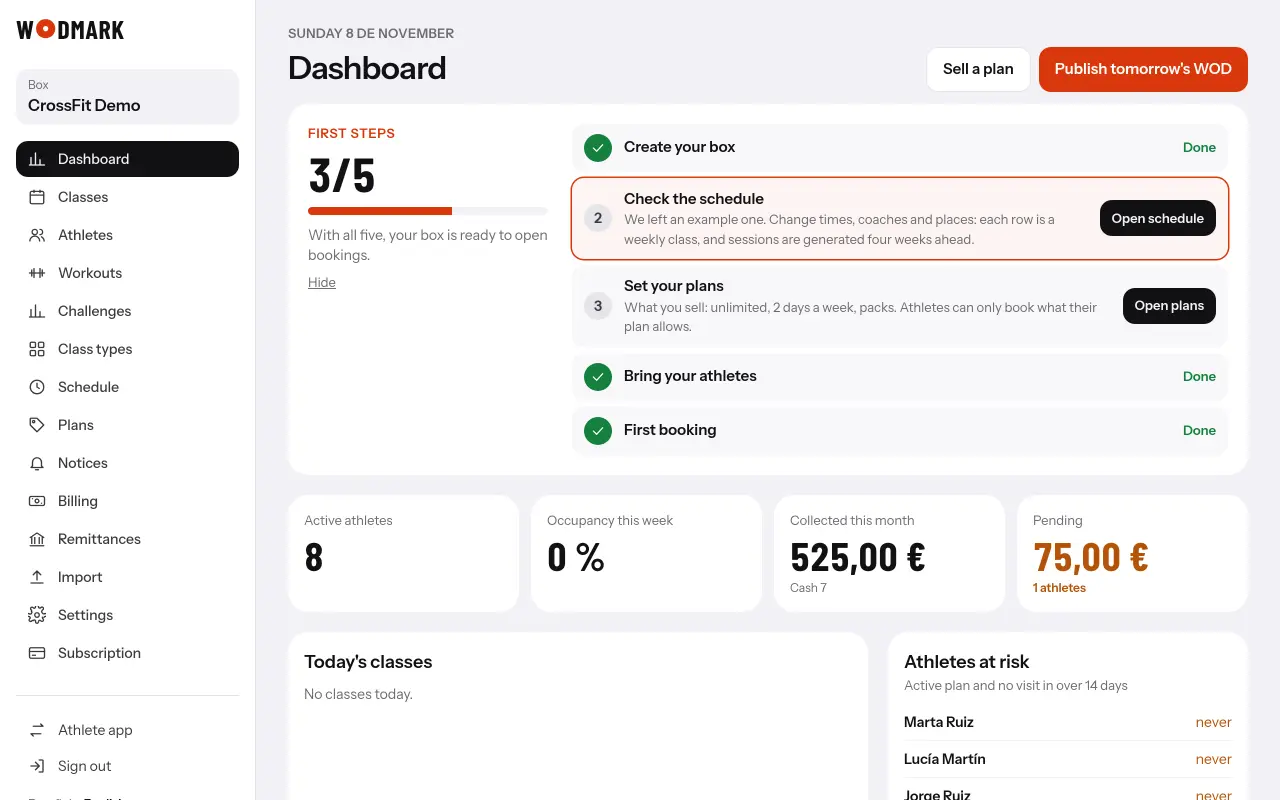
The first steps list
- 1Open the «Dashboard»At the top you see «First steps» with what is left.
- 2Tap each step's buttonIt takes you to the screen where it is done. It ticks itself when you do it.
- 3With all five, it goes awayOr tap «Hide».