Help › I run a box › First steps
Giving your team access
- 1Add the person as an athleteFrom «Import» or by sharing the box's link.
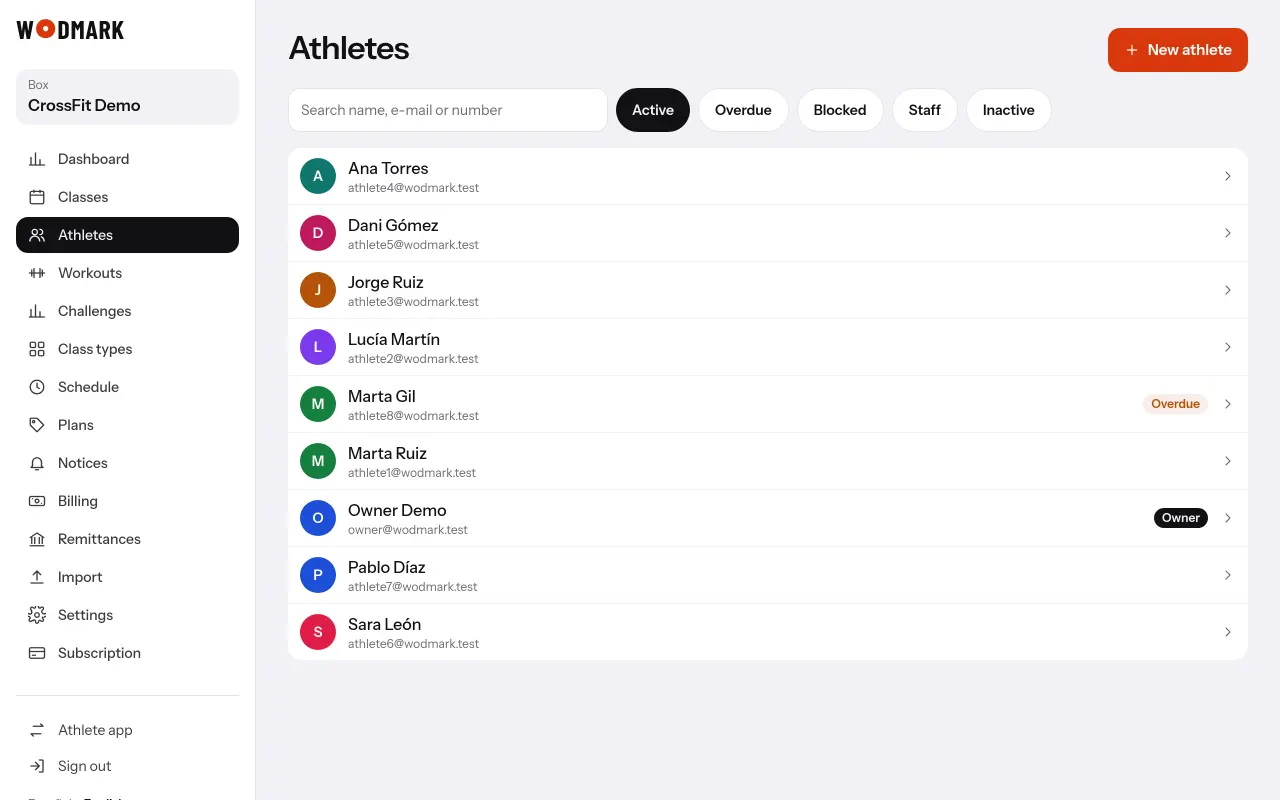
- 2Open their record in «Athletes»In «Role» choose coach, front desk or admin.
Coaches and front desk run the classes and check-in. Admins and the owner also see payments, plans and settings.