Help › I run a box › Schedule and classes
Draw and waitlist
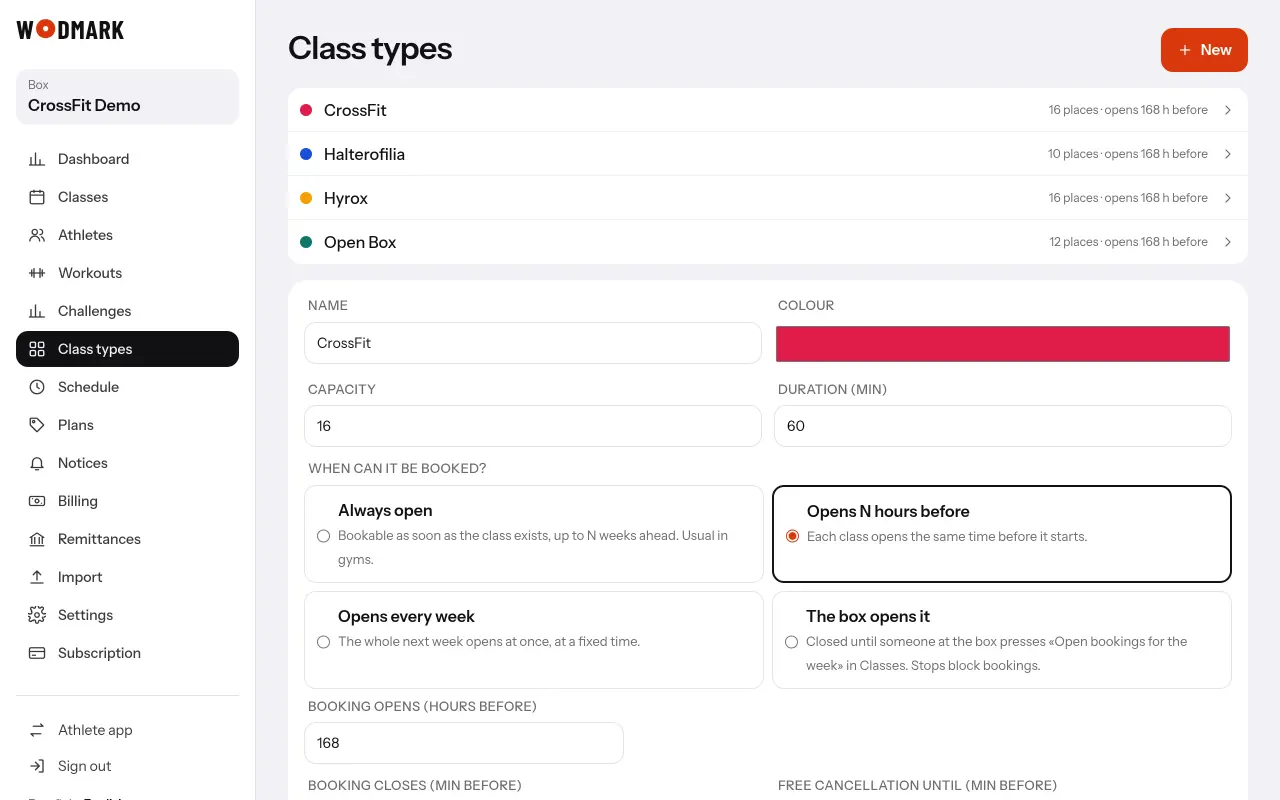
- 1Open «Class types» and choose oneFor example CrossFit.
- 2«Fair opening: draw during (seconds)»Whoever asks for a place in those seconds enters a draw. Zero = no draw.
- 3«Waitlist»«In order, with time to confirm», «Tell everyone, first wins» or no list. Set the minutes to confirm.