Help › I run a box › Schedule and classes
Opening the week's bookings
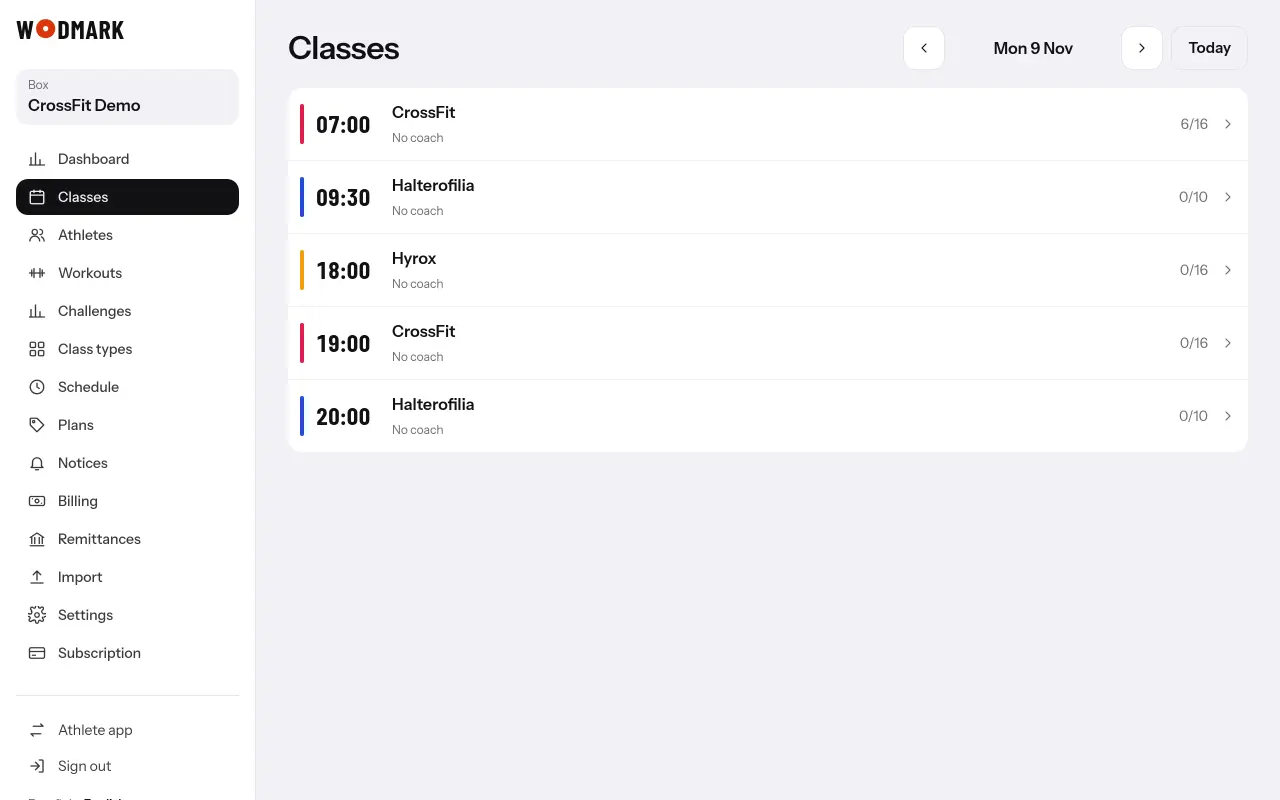
- 1Open «Classes» and go to a day of that weekThe week's panel shows at the top if you have classes in «The box opens it» mode.
- 2Choose what to open«All classes» or one type. You see how many athletes will be told and the exact text.
- 3Tap «Open bookings for the week»Every active athlete is told, or only those whose plan includes that type. If you get it wrong, «Close again».
Bookings already made stay even if you close it again.