Help › I run a box › Plans and payments
Late cancellation and no-show fees
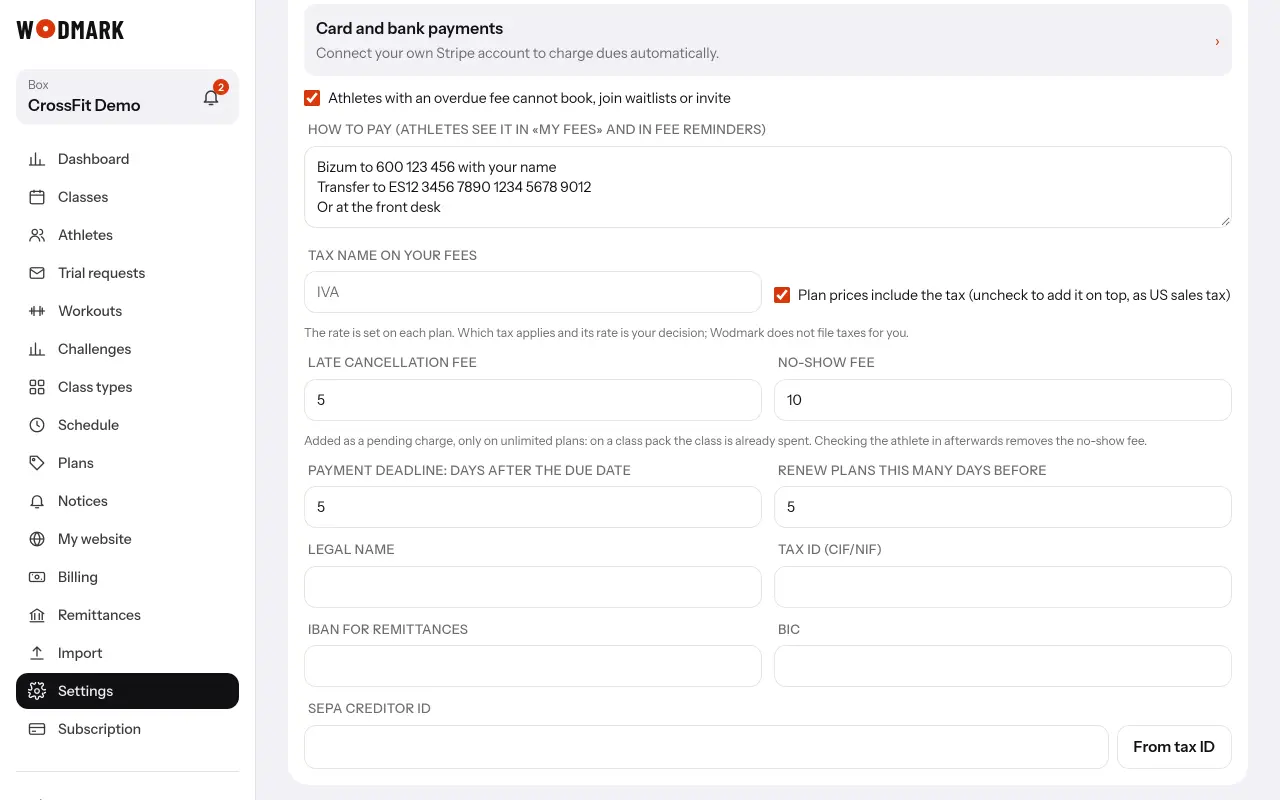
- 1Open «Settings»Section «Payments and booking access»: «Late cancellation fee» and «No-show fee». Empty means none.
- 2Type the amounts and tap «Save»Late means after the free cancellation time of the class type.
- 3The fee is added as a pending chargeOnly on unlimited plans: on a class pack the class is already spent. One per booking, in the athlete's «My fees».
- 4Came after all?Check them in on the class sheet and the no-show fee is canceled while it is unpaid.
To let one go, cancel the charge from the athlete's record.