Help › I run a box › Plans and payments
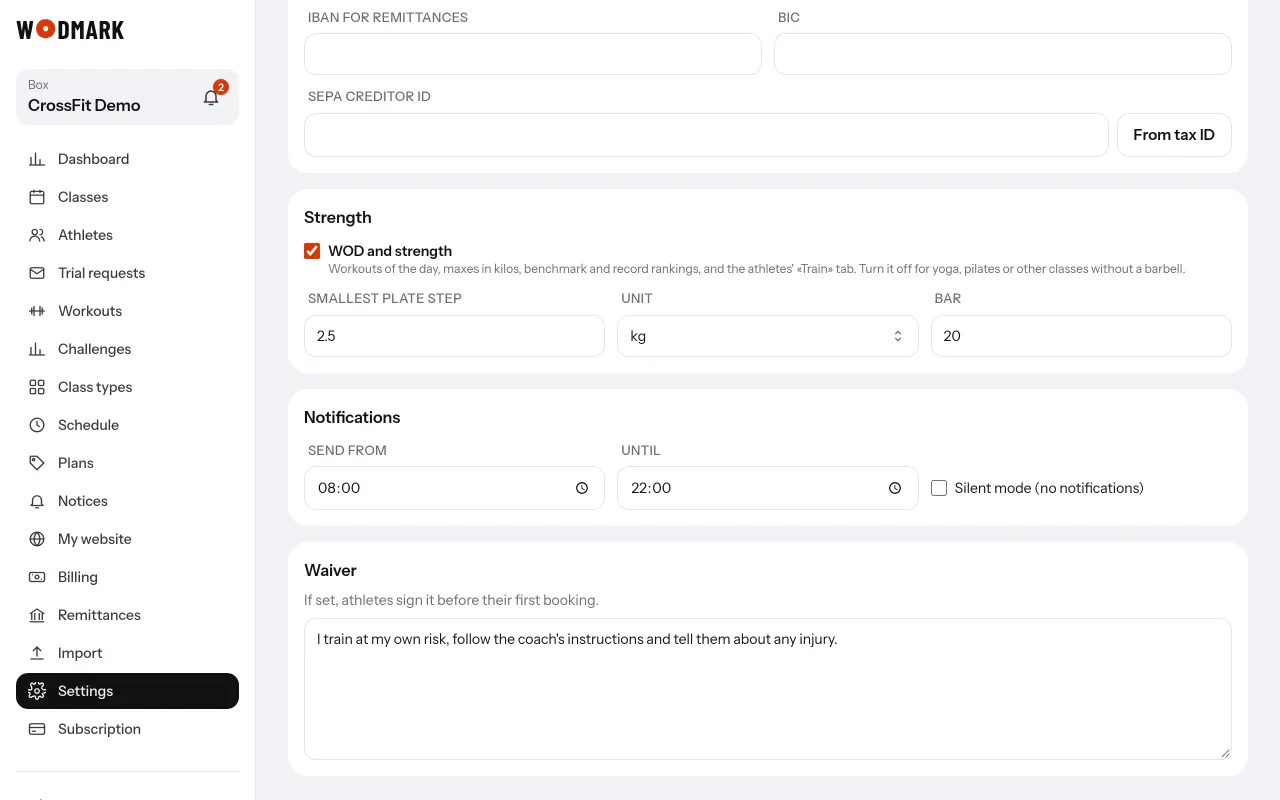
The waiver
- 1Open «Settings» and write the textField «Waiver». Ask your lawyer what it must say.
- 2Athletes sign it in the appIn «Profile», typing their full name. Until they sign, they cannot book.
- 3See who signedThe athlete's record shows the name typed and the date, or «Waiver not signed».
If you change the text, everyone is asked to sign the new one before their next booking.